
Identity · Marketplace · Connect · NFC
Your world. Your identity. Your growth.
One platform to showcase your work, connect with people, discover opportunities and grow your business.


Everything you need. All in one place.
One account connects your profile, marketplace, meetings, cards and automation — without switching tools.
 Digital IdentityA public profile for your work, contact and resume — shareable as a link or QR.Explore
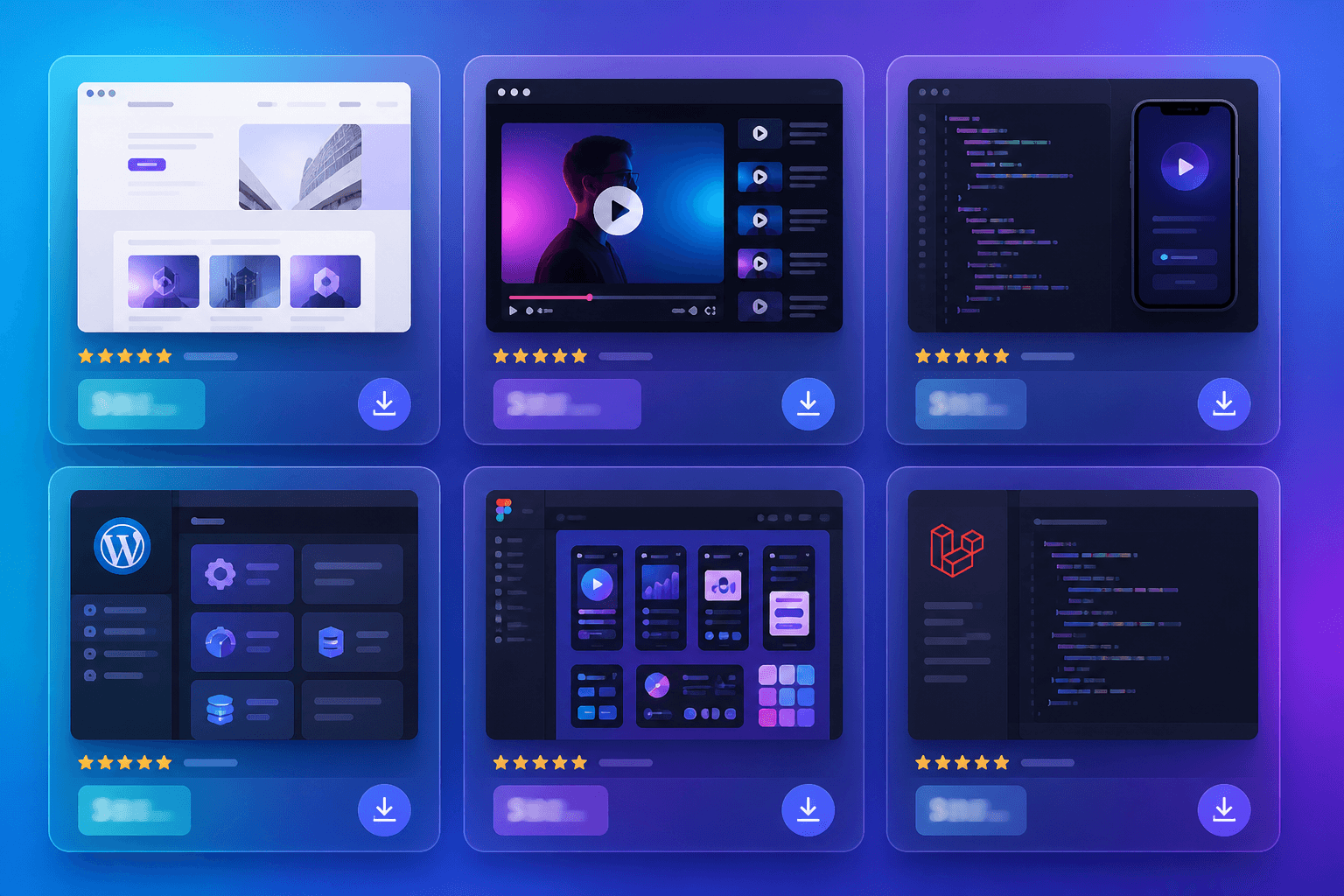 MarketplaceBrowse and list digital products and services with clear prices.Explore
 Hozaro ConnectVideo meetings booked from your profile, with lobby, captions, chat and notes.Explore
 NFC Business CardsTap the card on a phone to open your latest profile — no separate app required.Explore
 Instagram AutomationKeyword on a comment → private reply with your profile or product link.Explore
 Jobs and OpportunitiesHiring posts from people already on Hozaro — apply with a message.Explore
Make your first impression count.
Photo, headline, about, skills, products, gallery, contact, QR and share — the sections people already look for, on one public page.
About and skills
A headline, a short bio, your location and the skills you want to be found for. This is what people read first.
Products and services
List digital products or the services you offer, with prices in rupees. They appear on your profile’s Products and Services tabs.
Photos and resume
Add a gallery of past work, then your experience and education, so a visitor can judge your work without asking for a portfolio.
Contact and meetings
Choose which contact details to show — email, phone, WhatsApp, website — and let people book a meeting from your profile.
A card you can hand out
Every profile comes with a digital card and QR code. Share the link, send it on WhatsApp, or download the card as an image.

Discover talent. Find what you need.
Members list digital products and services with a price and a public page. Browse what is published, or list something of your own from your account.
Browse by category
Source code, templates, courses and services, with the price on the listing.
Open a listing, then message the seller
Each product has its own page. From there you can see what is included and contact the seller.
List what you sell
Create a Hozaro profile, then add a product. Plans and listing limits are on the pricing page.
Latest listings
Open marketplaceConversations that move business forward.
Video meetings, booking, messaging, captions, translation, in-call chat and notes — hosted from your Hozaro profile, without a separate meeting app.
Instant or scheduled
Start a call now, or share a booking link for later.
Booked from your profile
Visitors pick a time from Book a meeting on your page.
Waiting lobby
Admit guests when you are ready and manage audio and video.
Captions
On-call captions so nothing gets missed.
In-call chat
Share a link or a quick reply without leaving the call.
Notes
Keep the key points from every meeting.
One tap. A world of possibilities.
A physical Hozaro NFC card linked to your profile. Tap it on a phone and people see everything you do — with QR as backup when NFC is missing.


Tap to open profile
Hold the card near a compatible phone. Your public profile opens — no separate app required.
QR backup
No NFC on the phone? Scan the printed code. It opens the same profile.
Always up to date
Edit your profile online. The card opens the latest information.
Only a link on the chip
The chip stores a link to your public profile, not private details.
Turn conversations into connections.
Instagram comment → keyword detection → automated private reply → your profile or product link. Official Meta APIs only — no passwords, no scraping.
- Reel comments
- Post comments
- Your keyword
- Private reply
- Your link

Four ways to use the same rule. Each card below is an example, not a live account.
Reel comments
A keyword on a reel can send a private reply with the link you set.
Post comments
The same rule can watch posts, not only reels.
Only the posts you pick
Apply it to every post, every reel, or only the ones you choose.
Future posts and reels
New uploads can use the same keyword without setting the rule again.
If you can name the word, you can set the reply. It applies to the posts and reels you select.
Connect your Instagram
Sign in through Meta with a professional account. Hozaro does not take your password to scrape the account.
@yourbrand · Connected
Pick a keyword, write the reply
Choose the word, write the message, and add the link that should go with it.
When the comment is PRICE → Here’s your link
Turn it on
Choose posts, reels, or future uploads. A matching comment gets the private reply.
Live · watching comments
Automation is included in the Pro and Business plans. AI lead automation is on Business.
Find opportunities. Meet the right people.
The Jobs board collects hiring posts and requests from the Hozaro community. Signed-in members can post an opening in a minute.
Filter what fits
Full-time, part-time, freelance or contract, and remote, hybrid or on-site.
Apply with a message
Apply opens a chat with the person who posted, with your note ready to send.
See who is behind the post
Every opening links to a full profile, so you can check their work first.
Trust begins with a verified identity.
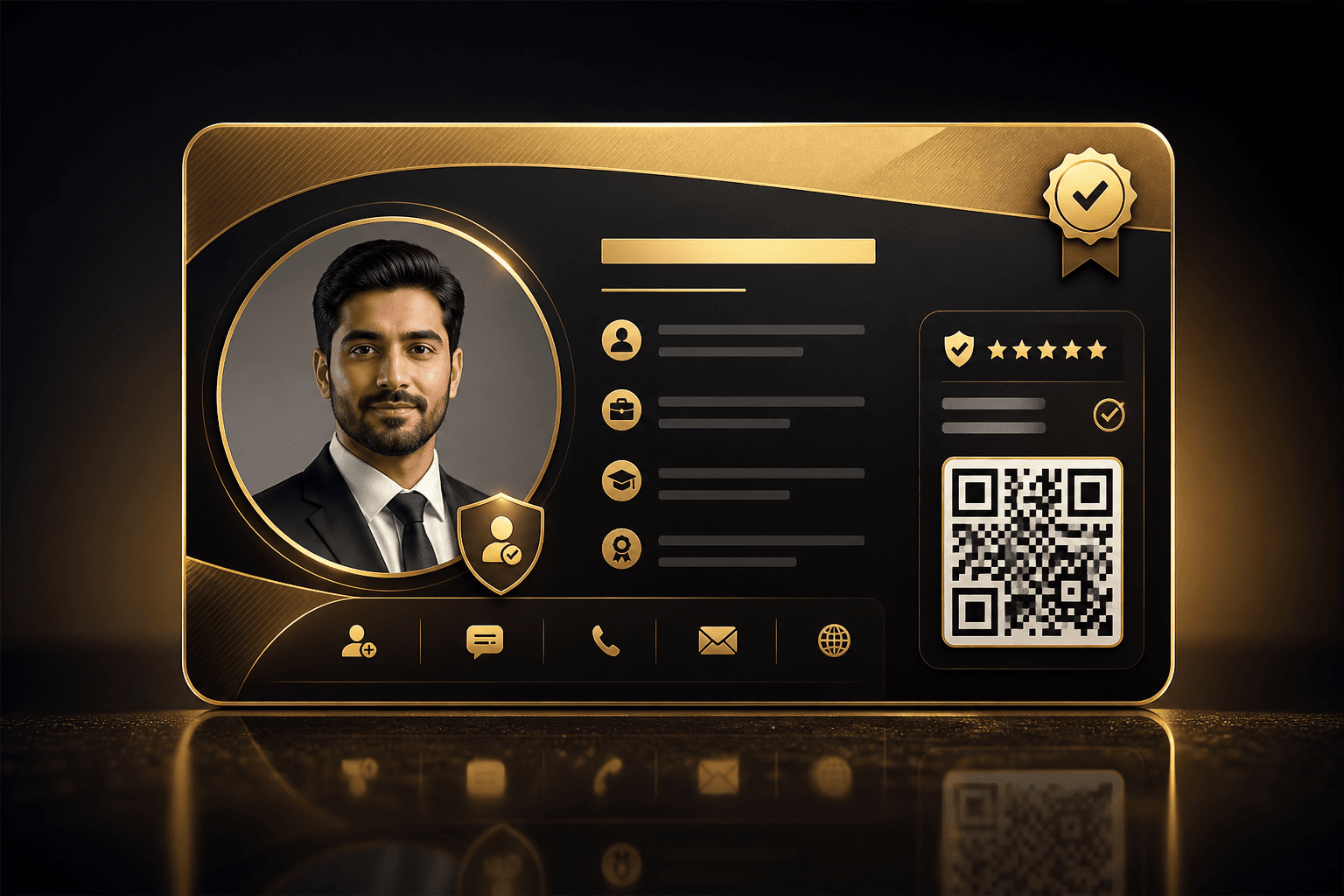
“Verified by Hozaro” appears only on profiles that have finished verification — email, phone, and a document reviewed by the Hozaro team. It is available on the Starter plan and above.
Every profile also shows a trust score out of 100, based on verification and how complete the profile is. No invented certifications — only what was actually checked.
Verification
Verified by HozaroEmail confirmed
One-time code sent to the account email
Phone confirmed
One-time code sent by SMS
Document reviewed
ID for individuals, or a business document for companies, checked by the Hozaro team
Build something worth connecting to.
Create your identity. Share your work. Discover opportunities. Grow with Hozaro.